Share links & approval
One link. They comment, they approve.
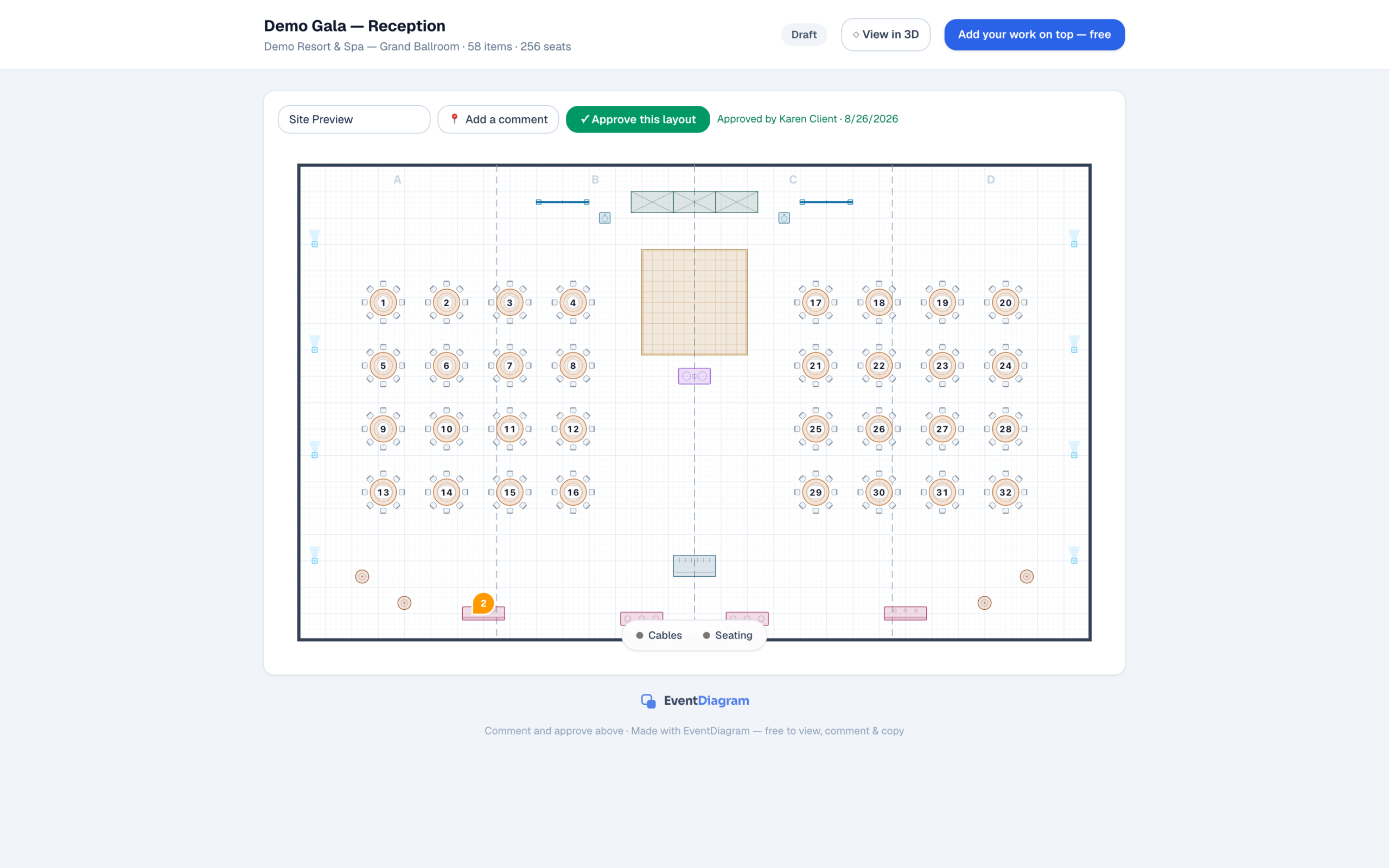
Send the live plan instead of the fourth revision of a PDF. Your client opens it in a browser, pins comments to the exact table they mean, and signs off — and the sign-off is recorded against the diagram rather than lost in a thread.
The problem it removes
PDF ping-pong, and the version nobody trusts
The normal way a floor plan gets approved is that someone exports a PDF, emails it, receives four replies describing tables by where they are on the page, makes the changes, exports again, and repeats until the event happens. By the end nobody is certain which file the caterer has, and “the client approved it” means somebody remembers an email.
A share link collapses that. There is one plan and it is always current, so the link you sent three weeks ago still opens today’s drawing. Comments are pinned to the element they are about, which turns “the table near the window” into a specific table. And when the client is happy, the approval is captured on the diagram — with a name and a timestamp — so “are we signed off?” has an answer that does not require searching an inbox.
What is free, exactly
Viewing is free. Approving is not.
We would rather state this plainly than have you discover it. On every plan, including Free:
- Anyone can open your share link — no account, no seat, no charge, however many people you send it to
- They can comment, pinned to the element in question
- They can switch to 3D and walk the room, whatever plan you are on
- Recorded approvals start at Solo, $9/month — on the free plan the approve action is refused outright rather than appearing to work
Our own marketing got that last line wrong once, and the fix was to say it here. The reasoning is simple: sharing is the backbone of the product, so we do not charge for reach. What Solo buys is the record — the thing you point at later when somebody asks who agreed to this.
For venues
The link is also the lead
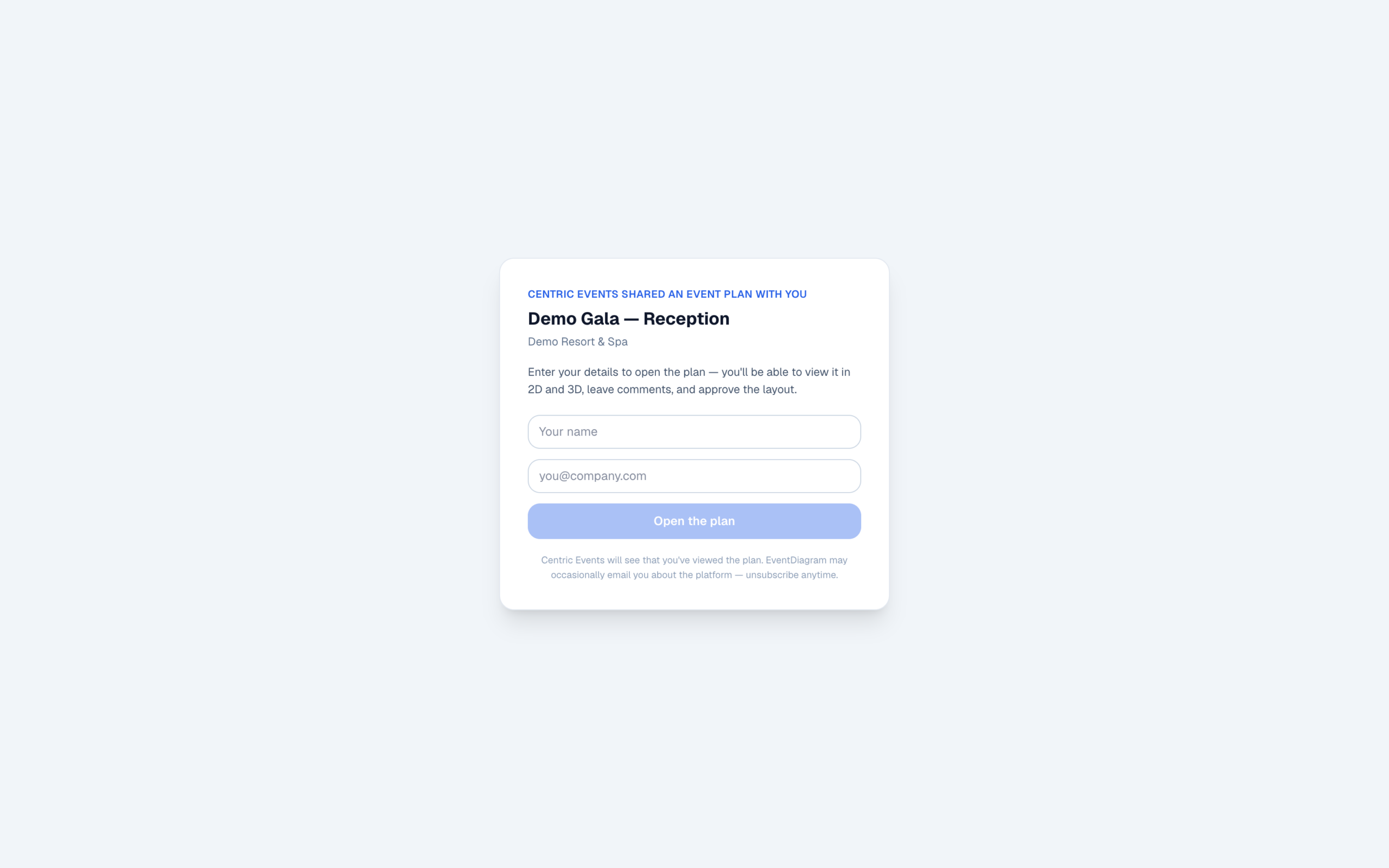
When a venue sends a prospective client a plan of the ballroom set for their date, the person on the other end is a lead, and normally the only trace of them is the fact that you emailed them. Share visitors are captured, so an opened link becomes a name you can follow up rather than silence you have to interpret.
Collaborators on an event are free on every plan too — a caterer, an AV company and a client can all be looking at the same current drawing without any of them costing you a seat. How that works across a property is on the venues page, and the step-by-step is in share & approve.
FAQ
Questions before you send one
Does my client need an account?
No. They open a link. There is nothing to install, nothing to sign up for, and no seat to buy — outsiders never take a seat on your plan, on any tier.
Is approval free?
No, and we were briefly wrong about this in our own copy. Viewing and commenting are genuinely free on every plan, including Free. Recorded approvals start at Solo ($9/month) — on the free plan the approve action is refused by the API rather than quietly doing nothing.
Can they see it in 3D?
Yes, whatever plan you are on. The 3D view on a share link is deliberately ungated, because putting a paywall between a planner and their client would break the only workflow that matters here. More on the 3D page.
What happens after they approve?
The approval is recorded against that diagram — who approved it and when — so “they signed off” is a fact in the system rather than a memory of an email. You keep working; the record stays attached to the plan it belongs to.
Do I find out who looked?
Yes. Share visitors are captured, so you can see that the link was opened rather than wondering. For venues, that is also how an interested party on the other end becomes a lead instead of a mystery.
The full plan ladder is on the pricing page.
Send the plan, not the PDF
Free to share, comment and view in 3D on every plan. Recorded approvals from Solo $9/month.
No credit card required